Reef photography travel presents a specific version of a universal problem: the gap between what you see and what your camera records. In almost any other landscape, the gap is manageable — daylight, stable platforms, and subjects that don’t move faster than a shutter can freeze. In the underwater environment, every variable that makes photography work is degraded or absent. The light is wrong. The platform is you, and you’re moving. The subjects are uncontrolled and frequently small.
The photographers who consistently produce excellent reef images have not overcome these challenges so much as they’ve learned to work with them. This guide covers what that means in practice, from equipment selection through to the logistics of protecting gear on a reef trip.
Building the Travel System
The difference between a reef photography travel system and a reef photography system is portability. What you use in your local pool or on a weekend dive trip may not be appropriate for a two-week reef travel itinerary involving multiple flights, variable humidity, salt air, and the logistics of managing wet equipment on a liveaboard.
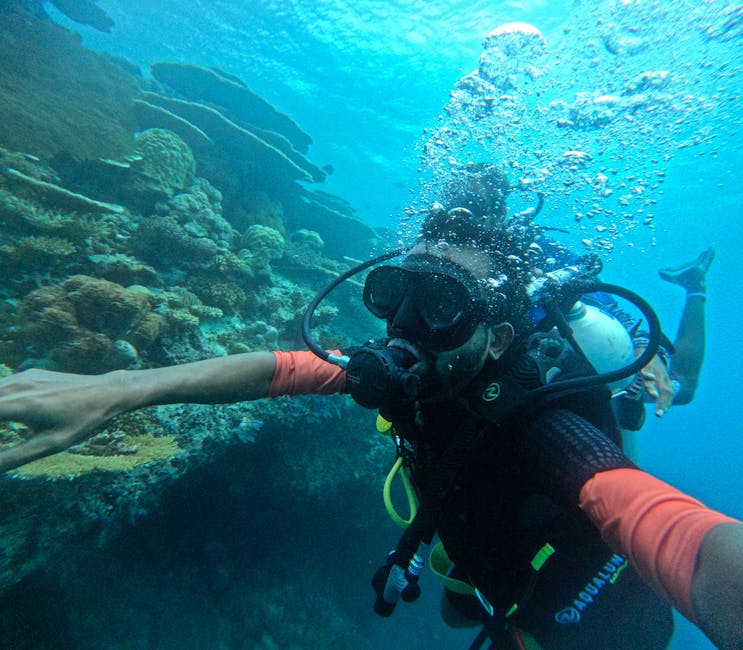
The minimum viable travel system for underwater reef photography: a modern smartphone with good low-light performance in a quality waterproof case (Hitcase, Catalyst, or similar — tested to at least three metres, ideally ten) and a small dry bag for surface intervals. This system fits in a jacket pocket, survives any reef travel scenario, and in good conditions produces images better than the prosumer compact cameras of ten years ago. Its limitations are known: no optical zoom, no external flash, limited macro performance, and image quality that degrades rapidly in low light below two metres.
The step-up system for serious travel photography: a compact mirrorless camera (Sony RX100 series, Olympus Tough TG-7, or equivalent) in a manufacturer-made or third-party housing rated to 15–20 metres, with a pair of compact video lights that double as continuous light sources for both stills and video. This system fits in a carry-on bag, is manageable on a liveaboard, and produces images that require no apology. The housing adds bulk and weight; the video lights add bulk and charging requirements. Total kit weight: two to three kilograms.
The full travel system for professional-grade results: full-frame or APS-C mirrorless system (Sony A7 series, Canon R5, Nikon Z) in a dedicated housing, dual strobes on arms, wide-angle and macro wet lenses, and the support equipment (strobe sync cables, O-ring kit, silica gel packets for the housing) that keeps it working in the field. This system fills a dedicated camera bag (check-in only), requires a rigging station on the liveaboard, and produces images indistinguishable from professional underwater photography. Its limitations are logistical rather than technical.
Travel-Specific Equipment Protection
Salt water and electronics are hostile to each other in ways that become clear at the worst moments. The protocols that protect equipment on a reef trip:
Rinse everything, every time. After every dive, every snorkel, every beach entry — rinse camera housings and cases in fresh water before opening them, rinse strobes and video lights before storing, rinse lens domes before drying. The salt crystal that forms as salt water evaporates on optical surfaces scratches coatings and degrades seals. Rinse before they form.
O-ring maintenance on liveaboards. The O-rings that seal camera housings against water entry are the single most important maintenance item for underwater camera travel. Check O-rings before every dive session, not every dive: look for cuts, compression set, embedded grit, and hair. Apply a thin film of O-ring lubricant (not silicone spray — the petroleum-based spray damages O-ring compounds; use the manufacturer-specified grease). After two to three weeks of heavy use, replace the main sealing O-rings regardless of visual condition.
The flooding protocol. If water enters a camera housing underwater, switch off the camera immediately — continuing to operate a flooded camera accelerates corrosion damage. Ascend, surface, open the housing in air (not on the dive deck — use the camera rinse tank area), remove the camera and batteries, and begin fresh water flushing immediately. The first twenty minutes after a flood determine whether equipment is recoverable. Most flooded cameras that are flushed immediately and dried with silica gel in a sealed container recover; most that are allowed to dry with salt residue in them do not.
Travel in aircraft hold. Camera housings travel in checked baggage; the lithium batteries for strobes and video lights must travel in carry-on (IATA regulations limit the watt-hour capacity of lithium batteries in checked luggage — check current airline policies, as this changes). Pad the housing in bubble wrap inside a hard case if possible. The camera body should travel in carry-on.
The Above-Water Camera
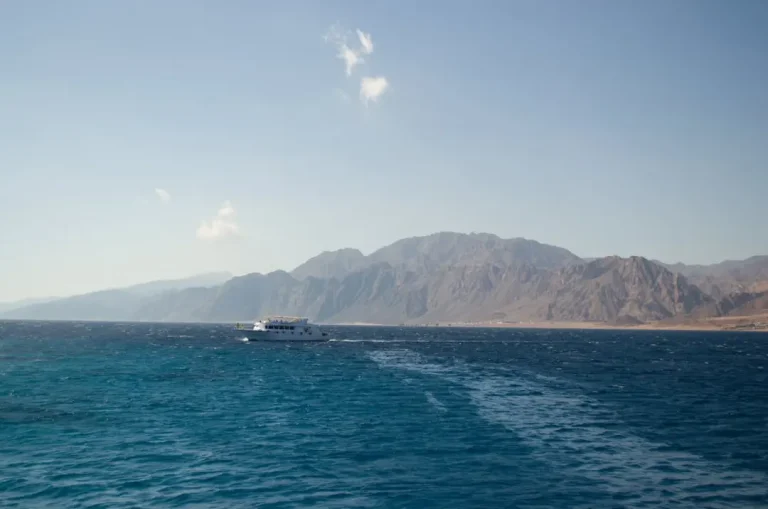
The reef photography conversation focuses naturally on underwater images, but the above-water landscape of reef travel — the Coral Sea light at dawn from a liveaboard deck, the Hill Inlet sand patterns from the lookout, the seabird colony at dusk — is as photogenic as anything below the surface.
A travel camera for above-water reef photography: compact enough to carry daily (Sony ZV-E10, Fujifilm X100 series, or equivalent), with a zoom range covering wide angle to short telephoto (covering wildlife and landscape in one lens), and weather-sealing if you’re going to be on a deck in spray. The fully sealed mirrorless options (Olympus OM-1, certain Pentax models) handle salt spray and occasional rain without concern.
For seabird photography and wildlife at distance (whale watching, manta rays visible from the surface): a long lens (200–400mm equivalent) is necessary. The longest focal length practical on a compact travel camera body is approximately 300mm equivalent. A longer lens requires a larger body and a dedicated photography bag.
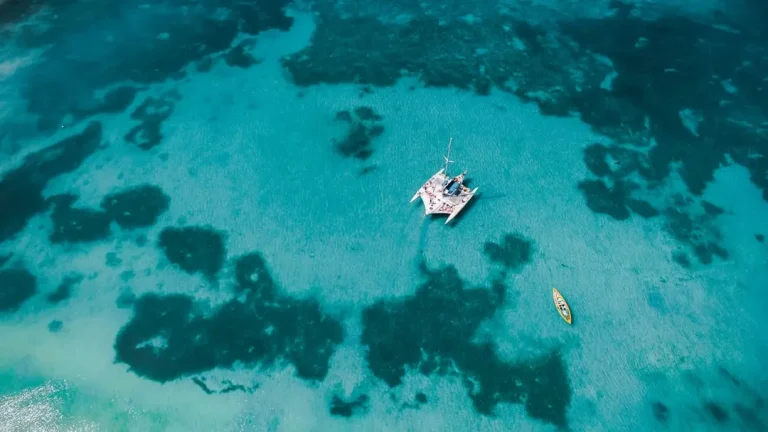
The drone question: drones are subject to significant restrictions in and around the GBRMP and national park areas. Civil Aviation Safety Authority (CASA) regulations require registration, and GBRMP authority permits are required for drone flights over the marine park. Most reef tourism zones effectively prohibit recreational drone use. Research the regulations for your specific intended locations before carrying drone equipment on a reef trip.
Video on the Reef
Video is more forgiving than stills in some underwater conditions and less forgiving in others. Motion covers for some deficiencies of focus and framing; it also makes camera shake and poor buoyancy visible in ways that single frames don’t.
The practical approach to reef video travel: shoot in 4K at 60fps (allowing slow-motion playback at 24fps for fluid slow-motion effects), use in-lens or in-camera stabilisation wherever available, and plan shots rather than shooting continuously. Continuous shooting produces large files that are difficult to edit; planned shots with clear beginnings and endings produce usable footage with half the storage.
For video specifically, video lights (continuous LED panels) are more practical than strobes — they illuminate the subject continuously, allowing proper exposure before pressing record, and produce consistent colour temperature across an entire clip. The colour temperature of video lights (typically 5500–6000K, matching daylight) combined with a red filter at depth produces close-to-natural colour in the 2–8 metre range where most reef video is shot.
The Image You’ll Actually Remember
One final observation from fifteen years of carrying cameras on reef trips: the images I return to most often are not the technically finest photographs. They’re the ones that captured something specific and real — the manta at the cleaning station with the morning light behind it, the turtle surfacing in the Low Isles lagoon with my daughter’s feet visible at the frame edge, the school of trevally at Osprey in the specific gold light of an afternoon dive.
These images required presence more than technique. The technique was adequate. The presence — being in the right place, at the right time, paying attention — is what made them.
Bring your camera. Service the O-rings. Rinse everything. And then look at the reef before you look at the screen.